
Key points to remember
Do you often travel with family, friends or your pet? We explain how to add your travel companions only once in your customer area to save time when booking.
last update
How do you register your travel companions?
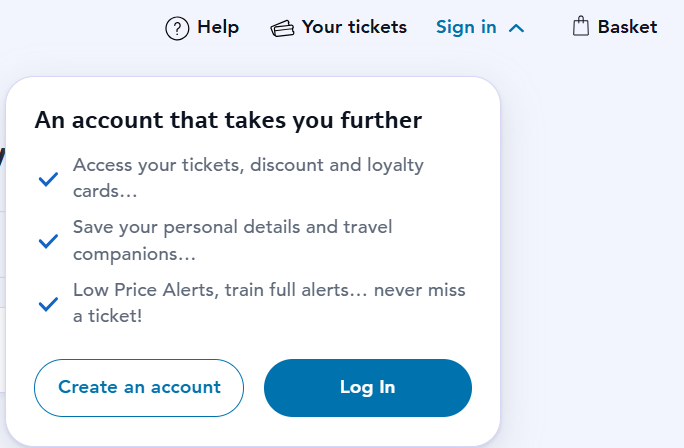
Go to the “Account” section in the app. On the website, click “Sign in”. In “Travel preferences”, click “Your companions” and enter the traveller profile of the people you are travelling with or your pet’s profile.
When making your reservations, there is no need to enter the information of your companions (name, surname, date of birth, email, discount and loyalty cards). Simply select them on the ticket search form by clicking on"Traveler"" or "Animal".
-

Account section
Click on "Your Companions" in "Travel Preferences".
-

Your companions tab
Click on "Add a loved one" or "Add a pet".
-

Entering the Traveler Profile
Fill in your companions' travel information.
Don't have a customer area yet?
On the website, click the “Sign in” button in the top-right corner to create your customer account. In the app, go to the “Account” section.
Leave a comment